NFS2ROOT (CVE-2026-99362): Critical Bug in the Linux NFS Server
Key points
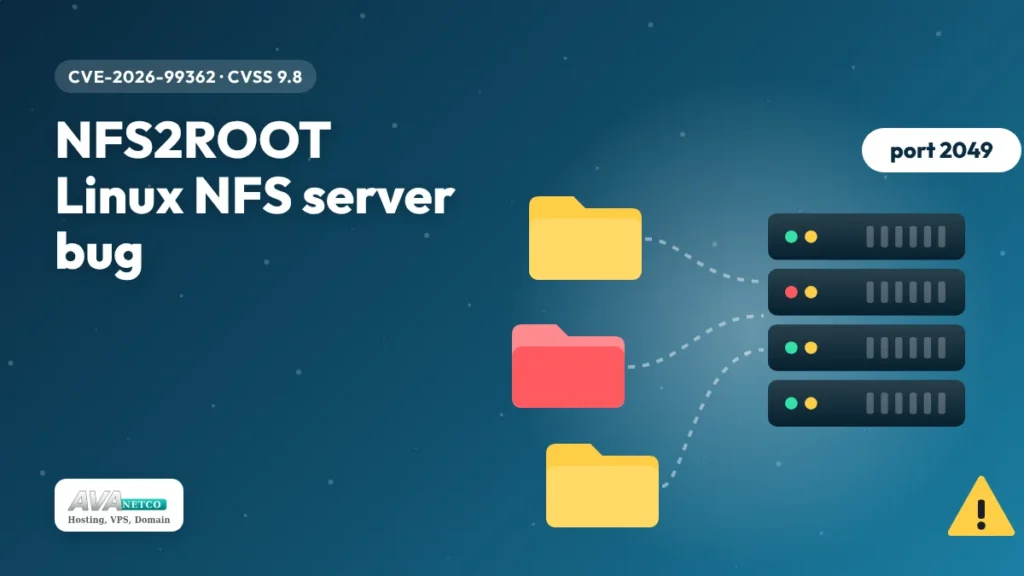
- CVE-2026-99362, nicknamed NFS2ROOT, is an out-of-bounds write in the Linux kernel’s NFS server (nfsd), rated 9.8.
- A remote client can trigger it through NFSv4.1 session handling. The bug has been in the kernel since 3.16 (2014).
- Fixes shipped on 19 November 2026 in all maintained kernel branches. Install your distribution’s kernel update and reboot.
- Until then, keep port 2049 off the internet. Most servers have no reason to expose it.
NFS is a protocol most people associate with private storage networks, not with the public internet. Yet scans regularly find NFS servers answering on port 2049 from anywhere, usually because a share was set up for a backup job or a second server and the firewall was never closed. NFS2ROOT turns that oversight into a serious risk.
What is NFS2ROOT?
NFS2ROOT is a bug in how the in-kernel NFS server stores cached replies for NFSv4.1 session slots. A client can negotiate the size of that cache down to the minimum the server allows. The server then copies a full reply, headers included, into a buffer that is too small and writes past its end into kernel memory.
Part of the data written comes from the attacker’s own request, and some of it is echoed back in replies. That combination can help an attacker learn the kernel’s memory layout and build a payload that runs code on the host. The kernel CNA rates it 9.8.
Am I affected?
You are exposed if all of the following are true:
- The server runs the kernel NFS server (
nfs-server/nfs-kernel-server), not just an NFS client. - NFSv4.1 is enabled, which is the default.
- The kernel is older than the fixed version for its branch.
Check in two commands:
sudo ss -tlnp | grep 2049
systemctl status nfs-server nfs-kernel-server 2>/dev/null | grep Active
If nothing listens on port 2049, this bug does not affect the machine. Most web servers, mail servers and typical VPS setups fall into that group.
Which kernels are fixed?
| Kernel branch | First fixed version |
|---|---|
| 7.3 | 7.3.2 |
| 6.18 | 6.18.61 |
| 6.12 | 6.12.117 |
| 6.6 | 6.6.163 |
| 6.1 | 6.1.193 |
| 5.15 | 5.15.226 |
| 5.10 | 5.10.275 |
Distribution kernels have their own numbering. Look for CVE-2026-99362 in your distribution’s security tracker instead of comparing version strings.
How do I fix it?
Install the kernel update and reboot
# Debian / Ubuntu
sudo apt update && sudo apt full-upgrade && sudo reboot

# AlmaLinux / Rocky Linux
sudo dnf upgrade kernel && sudo reboot
After the reboot, uname -r must show the new kernel. Until the machine has rebooted, the old one is still running.
Close port 2049 to the internet
NFS should only be reachable from the machines that mount the share. With UFW or firewalld:
# UFW: allow one client, deny everyone else
sudo ufw allow from 203.0.113.10 to any port 2049 proto tcp
sudo ufw deny 2049/tcp

# firewalld: remove the public service
sudo firewall-cmd --permanent --remove-service=nfs
sudo firewall-cmd --permanent --add-rich-rule='rule family="ipv4" source address="203.0.113.10" service name="nfs" accept'
sudo firewall-cmd --reload
Replace 203.0.113.10 with the address of your NFS client. Better still, put NFS traffic on a private network or a VPN.
Temporarily turn off NFSv4.1 and 4.2
If clients can live with NFSv4.0 or v3 for a few days, edit /etc/nfs.conf:
[nfsd]
vers4.1=n
vers4.2=n
sudo systemctl restart nfs-serverIs it being exploited?
As of 26 November 2026 there were no reports of attacks, and no public exploit. Remote kernel bugs with a 9.8 rating rarely stay quiet for long, so exposed servers should not wait.
A VPS rarely needs to run an NFS server at all. If you only need shared storage between your own servers, keep it on a private network. Our Linux VPS security checklist shows how to list open ports and close the ones you do not need, and our KVM VPS plans let you control the kernel and reboot schedule yourself.